
Executive Summary
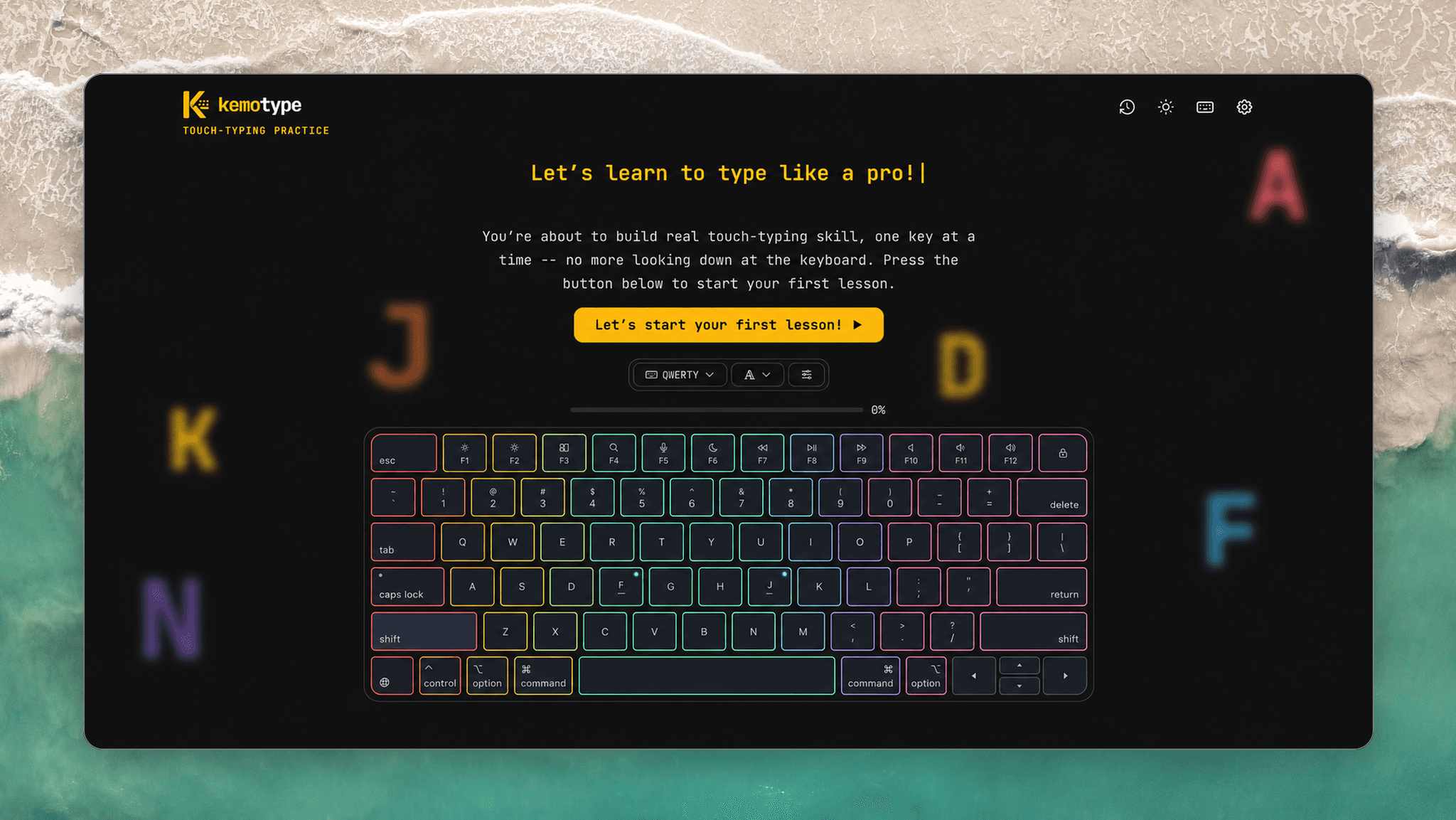
Kemotype is a Next.js and TypeScript typing speed test and guided touch-typing tutor that runs entirely client-side — no backend, no database. Every WPM history, key-mastery score, and streak lives in the browser, and the whole thing installs as an offline-capable PWA.
The Problem Space
Before writing any UI, I identified what actually breaks in typing-practice tools once they leave the novelty stage:
- One-Size Drills Don't Adapt: Most typing tutors repeat the same generic lessons regardless of which keys you're actually weak on.
- Raw WPM Hides the Real Skill: A single speed number says nothing about which specific key pairs are slow or error-prone.
- Progress That Doesn't Persist: A typing test with no history, streaks, or mastery tracking gives you no reason to come back tomorrow.
System Architecture
Kemotype is a Next.js 16 and TypeScript app that renders and runs entirely client-side — there's no API route, no database, and no server-held state. Every test result, per-key mastery score, and theme preference is read from and written to localStorage, versioned so the schema can evolve without wiping existing progress.
- Zero Backend, Zero Latency: All four test modes and the entire touch-typing curriculum run in-browser, so there's nothing to wait on and nothing to go down.
- LocalStorage as the Source of Truth: History, per-key mastery, streaks, and settings all persist client-side across sessions.
- Installable PWA: A service worker and manifest let the whole app — English and Turkish word banks and keyboard layouts included — run fully offline once installed.
Technical Implementation
The core of the touch-typing tutor is a per-key mastery tracker built on the SM-2 spaced-repetition algorithm — the same scheduling model used by tools like Anki. Every attempt on a key pair updates an ease factor and a due date, so keys you're actually struggling with resurface automatically instead of being drilled on a fixed schedule:
export function reviewKey(card: KeyCard, quality: 0 | 1 | 2 | 3 | 4 | 5): KeyCard {
  const { repetitions, easeFactor, intervalDays } = card;

  // A poor attempt resets progress on this key — back to daily review.
  if (quality < 3) {
    return { ...card, repetitions: 0, intervalDays: 1, dueAt: addDays(Date.now(), 1) };
  }

  const nextEase = Math.max(
    1.3,
    easeFactor + (0.1 - (5 - quality) * (0.08 + (5 - quality) * 0.02)),
  );
  const nextInterval =
    repetitions === 0 ? 1 : repetitions === 1 ? 6 : Math.round(intervalDays * nextEase);

  return {
    ...card,
    repetitions: repetitions + 1,
    easeFactor: nextEase,
    intervalDays: nextInterval,
    dueAt: addDays(Date.now(), nextInterval),
  };
}
Key Features
- Four Test Modes: Time, Words, Quote, and untimed Zen, all with live WPM and accuracy while typing.
- Guided Touch-Typing Curriculum: 17 key-pairs taught in order, each through a 12-stage drill-and-words cycle.
- Per-Key Spaced Repetition: An SM-2 scheduler resurfaces exactly the keys that need practice instead of drilling everything equally.
- Offline-First PWA: Installable with English and Turkish word banks and keyboard layouts baked in, so it works with no connection.
Impact & Results
- Shipped a real product I use daily to practice typing, not just a portfolio piece.
- Deepened experience with localStorage-driven state and offline-first PWA patterns, with no backend to fall back on.
- Built a reusable spaced-repetition scheduling module applicable well beyond typing practice.